
Pictory AI for YouTube in 2026: full workflow for videos, Shorts
How to use Pictory AI for YouTube: script-to-video, blog-to-video, long video repurposing, Shorts, captions, AI voices and publishing QA.
- Pictory AI helps YouTube creators turn scripts, articles, webinars and long videos into explainers, Shorts and captioned clips.
- It works best when the script is already written for speech, not pasted directly from a long SEO article.
- For YouTube, Pictory should be followed by a QA pass: hook, pacing, captions, visuals, voice, title and thumbnail.
- Pictory pairs naturally with ElevenLabs when the channel needs stronger voice direction.

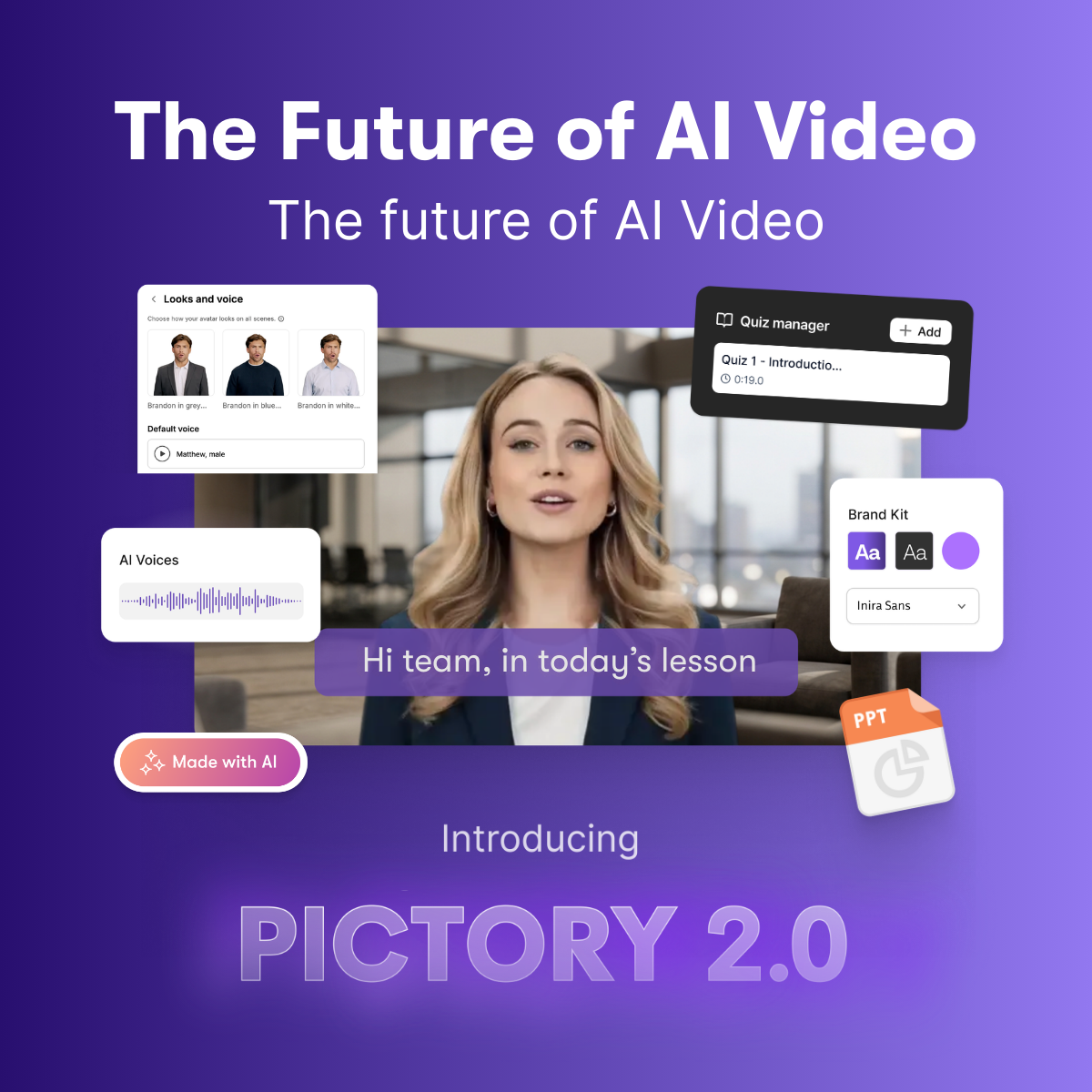
Where Pictory fits in a YouTube workflow
Pictory AI fits between the script and the finished video. It helps assemble scenes, visuals, captions, voiceovers and exports. It does not choose your niche, validate the video idea, create an irresistible thumbnail or guarantee retention. The creator or team still owns the editorial decisions.
This is why Pictory works best for channels that already have content inputs: scripts, blog posts, newsletters, webinars, podcasts, lessons or product documentation. If you have nothing but a vague idea, Pictory can still generate a draft, but the result will usually feel generic. If you give it a strong spoken script, the first cut is much easier to improve.
For educational channels, Pictory can create explainers without filming. For B2B teams, it can convert articles and webinars into video assets. For faceless channels, it can combine visuals, captions and AI voices. For marketing teams, it can turn one long asset into multiple clips and Shorts.
The best YouTube workflow is not "paste and publish." It is: define the promise, write a spoken script, generate a first cut, correct the video, check captions, refine the voice, then publish with channel-specific metadata.
Workflow: from script to YouTube video
Start with a video brief. Write the target keyword, audience, promise, format, estimated length and call-to-action. Example: keyword "Pictory AI YouTube", promise "create a YouTube video from a script faster", audience "new creators and marketing teams", format "six-minute guide", CTA "test Pictory on one existing script."
Then write the script for speech. Use short sentences. Give each scene one job. Open with tension or a clear result. Avoid starting with a long brand introduction. On YouTube, the first thirty seconds decide whether viewers stay.
Import the script into Pictory and generate a storyboard. Review structure before style. Are the first scenes compelling? Does each visual support the sentence? Is the on-screen text readable? Is the AI voice appropriate? Do captions look clean?
Correct scene by scene. Replace generic visuals. Remove repeated points. Add breathing room if the pacing is too dense. If the video is educational, clarity beats decoration. If the video is a Short, speed matters more than context.
Review voice and captions separately. Listen for names, acronyms and numbers. Read captions without sound. Watch the final export on mobile. Many problems are only obvious on a small screen: text too low, captions too long, visuals too busy or timing too slow.
Turning blog posts into YouTube videos
Blog-to-video can be powerful, but only if you adapt the article. Written SEO content often includes definitions, context and supporting paragraphs that are too slow for video. Instead of importing the whole article, create a compressed video script.
Use this structure:
- one promise
- three main points
- one concrete example
- one mistake to avoid
- one clear next step
Then use Pictory to build the video. This produces a cleaner output than asking the tool to summarize a long article without direction. After publishing, embed the video in the article and link the YouTube description back to the page. That gives your content cluster stronger internal logic.
Repurposing long videos into Shorts
Repurposing is one of Pictory's strongest YouTube uses. A webinar, interview or podcast can contain several standalone clips. Pictory's transcript-based workflow can help identify, cut and caption those clips faster than manual editing.
The key is clip selection. A Short is not just a short segment. It needs a beginning, an idea and a payoff. Choose moments that answer a question, challenge an assumption, show a result or explain a mistake. Avoid clips that depend on missing context.
For Shorts, captions must be tighter than for long videos. Lines should be short. Important words should be visible. The first three seconds need a hook. Do not open with "welcome back." Open with the problem or the surprising point.
Voice: Pictory alone or Pictory plus ElevenLabs?
Pictory includes AI voice workflows and official pages mention ElevenLabs-powered voices on certain plans. For simple explainers, built-in voice may be enough. For a channel where voice is part of the brand, you may want more control.
If voice identity matters, use a dedicated voice workflow. Our ElevenLabs for YouTube guide explains how to handle long-form narration, Shorts, dubbing and final QA. You can then use Pictory for the video layer: visuals, captions and export formats.
The decision is practical. For quick support videos, built-in voice is fine. For flagship content, course material or a recognizable channel, spend more time on the voice.
Captions, accessibility and YouTube SEO
Captions help silent viewing, accessibility and comprehension. Pictory can generate them quickly, but you must proof them. AI, SaaS and technical terms often create transcription errors. Product names, numbers and acronyms need special attention.
Captions do not replace YouTube SEO. Topic selection, title, thumbnail, retention, description and viewer satisfaction still matter. But clean captions improve the experience and reduce friction, especially on mobile.
Keep a channel glossary. Use the same spelling for product names, tools, acronyms and recurring phrases. That glossary should be used in scripts, captions, video descriptions and voice prompts.
Linking YouTube with your SEO cluster
A good Pictory workflow should support your website, not only YouTube. If you publish a Pictory review page, create a matching video. If you publish a pricing guide, create a pricing explainer. If you publish an AI Credits guide, create a short tutorial. Link from the page to the video and from the YouTube description back to the page.
This creates a stronger content cluster. Pictory helps produce the video asset. Your internal linking turns the asset into part of a broader SEO system.
Weekly YouTube production system
A simple weekly workflow keeps Pictory from becoming a random draft generator. On Monday, choose the topic and the search intent. On Tuesday, write the spoken script and prepare the glossary. On Wednesday, generate the first Pictory version and fix structure. On Thursday, review captions, voice, visual relevance and mobile layout. On Friday, publish the long video and create at least one Short from the strongest segment.
This cadence matters because AI tools can make teams start too many projects. A consistent channel grows through published videos, not through drafts. Pictory should reduce the time between approved script and final asset. It should not encourage constant ideation without release.
For YouTube analytics, track retention at the first thirty seconds, average view duration, clicks from the thumbnail, comments that mention confusion, and Shorts completion rate. If Pictory videos have weak retention, the issue is usually hook, pacing or generic visuals. If captions create complaints, improve the glossary and QA. If Shorts fail, shorten the setup and start closer to the payoff.
When not to use Pictory for YouTube
Do not use Pictory when the video depends on original footage, personal presence, cinematic timing or advanced motion design. Do not use it to publish medical, legal or financial explanations without expert review. Do not use it to create large volumes of thin videos from low-value articles. YouTube usually rewards usefulness and watch satisfaction; automation alone does not create either.
Final publishing checklist
Before publishing a Pictory-created YouTube video, check:
- the hook in the first five seconds
- title and thumbnail alignment
- mobile caption readability
- pronunciation of names and numbers
- generic or irrelevant visuals
- scene pacing
- final CTA
- description links
- export format
- whether the video supports a page in your SEO cluster
Final recommendation
Pictory AI can help YouTube creators publish faster, especially when the source material is already structured. It is useful for explainers, Shorts, article videos, webinar clips and training content. It becomes weaker when used as a one-click substitute for strategy.
The best setup is hybrid: human topic selection, human script, Pictory first cut, human QA, controlled voice and channel-specific publishing.
You can test Pictory here: open Pictory with the VoiceOverStudioAI affiliate link.
Test Pictory on a real YouTube script or existing article and compare time saved against your current workflow.
Try PictoryFAQ
Can Pictory create a full YouTube video from a script?
Yes. It can generate a first cut with scenes, visuals, captions and voice. You still need to correct pacing, visuals, captions and publishing metadata.
Is Pictory good for YouTube Shorts?
Yes, especially for repurposing long videos or creating short vertical clips. Shorts need faster hooks and tighter captions than long videos.
Should I use Pictory voices or record my own?
Built-in AI voices are fast. A human voice or a dedicated ElevenLabs workflow may be better when voice identity is central to the channel.
Does Pictory automatically improve YouTube SEO?
No. It helps create the asset and captions, but SEO still depends on topic, title, thumbnail, retention, description and viewer behavior.